CCTV is now standard on most commercial and industrial sites. It deters theft, helps resolve incidents and gives managers visibility of loading docks, car parks and entry points. In NSW, though, cameras that record employees at work are covered by specific legislation, and getting it wrong can create real problems for an employer.
This guide covers the key obligations under the Workplace Surveillance Act 2005 (NSW), where cameras cannot be installed, how to handle footage and the technical choices that affect how well a system works. It is general information, not legal advice, so check your specific situation with your HR or legal adviser.
The Workplace Surveillance Act 2005
The Act regulates camera, computer and tracking surveillance of employees in NSW. For camera surveillance, the core principle is that surveillance should be overt: employees must know it is happening.
14 days’ written notice
Before surveillance starts, employees must be given written notice at least 14 days in advance. The notice should set out the kind of surveillance, how it will be carried out, when it will start, whether it is continuous or intermittent, and whether it is ongoing or for a set period.
Many employers include this in employment contracts, workplace policies or induction material for new staff, and issue a separate notice to existing staff when a new system is installed. If the workforce agrees to a shorter notice period, the Act allows for that, but most employers simply give the full 14 days.
Cameras must be visible
Cameras used for workplace surveillance must be clearly visible in the place where the surveillance is taking place. Hidden or disguised cameras used to monitor employees fall into a separate category of covert surveillance, which is only permitted in limited circumstances with authorisation from a magistrate.
Signage
Signs notifying people that they may be under surveillance must be clearly visible at each entrance to the workplace. Good signage also helps with deterrence, which is one of the main reasons for installing CCTV in the first place.
Where cameras cannot go
The Act prohibits surveillance of employees in toilets, change rooms, showers or other bathing facilities. There are no exceptions for security reasons. Camera positions near these areas should also be checked carefully so doorways or mirrors do not give a view inside.
Employers are also restricted from carrying out surveillance of employees when they are not at work. This matters for devices or systems that could capture staff outside working hours, such as cameras covering staff accommodation or car parks after hours. Get advice if your site has areas like these.
Audio recording
Many modern cameras have built-in microphones. Recording conversations raises separate legal issues under NSW surveillance devices law, so audio is usually best left disabled unless you have taken specific advice.
Footage retention and access
How long you keep footage and who can view it should be set out in a written policy. There is no single retention period that suits every business. Consider how long it typically takes for an incident to be reported, any requirements from your insurer, and the privacy obligations that may apply to your organisation.
Good practice includes:
- Limiting access to named roles, with individual logins on the recorder
- Keeping an access log so you can show who viewed or exported footage
- Exporting and securing footage of incidents before it is overwritten
- Using recordings only for legitimate purposes consistent with your notice and policy
- Securing remote viewing apps with strong passwords and current firmware
Who can install CCTV in NSW
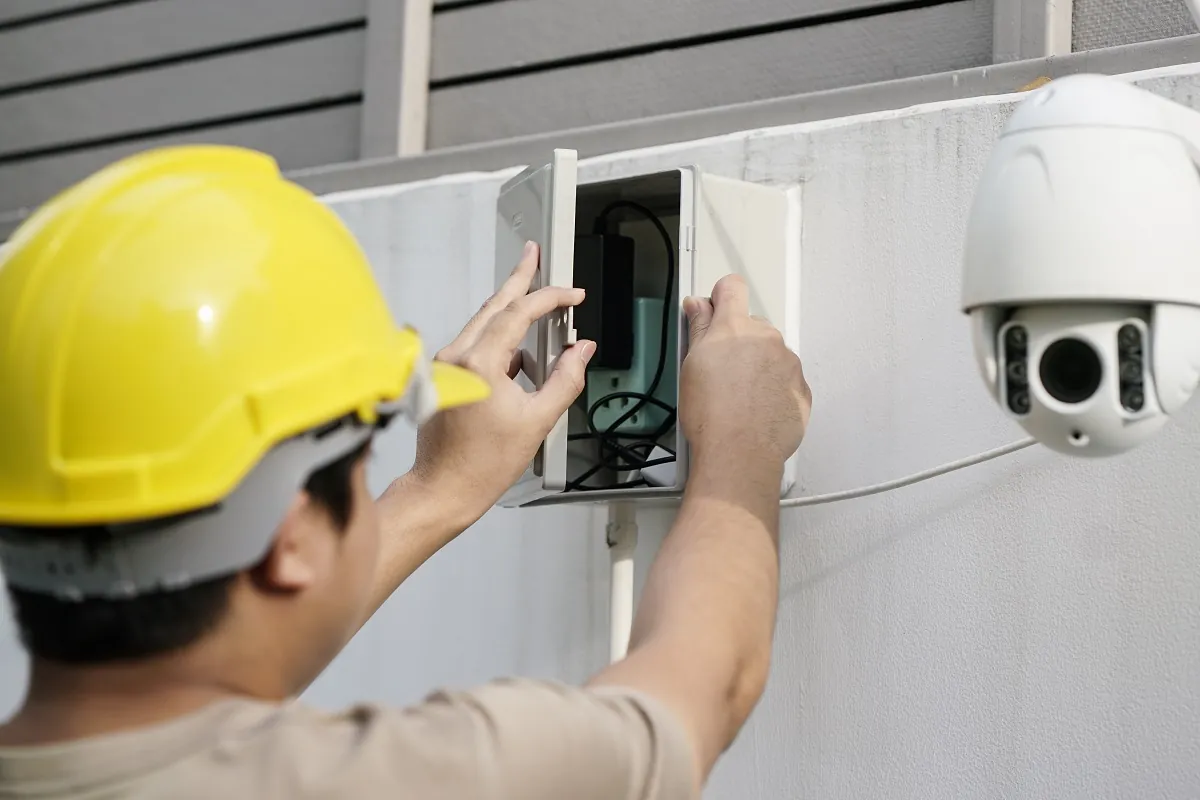
In NSW, people who install, maintain or repair security equipment such as CCTV and alarm systems must hold a security licence issued by the NSW Police Force Security Licensing and Enforcement Directorate (SLED). Before engaging an installer, ask for their licence details and check them. The same applies to alarm systems and access control and intercoms.
IP or analogue cameras
Most new commercial systems use IP cameras. They connect over network cabling, can be powered by Power over Ethernet (PoE) and record to a network video recorder (NVR). They offer higher resolution, better analytics and easier expansion.
Analogue, or HD-over-coax, systems record to a digital video recorder (DVR). They still have a place, particularly where existing coaxial cabling is in good condition and the budget does not stretch to recabling. Hybrid recorders can support both during a staged upgrade.
For IP systems, the network matters as much as the cameras. Poorly installed cabling or an overloaded switch causes dropped footage. Because Eclipse also handles data and comms cabling, we can design the camera network and cabling together rather than leaving the two trades to work around each other.
Sizing storage for retention
The retention period you choose drives the size of the recorder. Storage needed depends on:
- Number of cameras
- Resolution and frame rate of each camera
- Compression: H.265 typically needs noticeably less storage than H.264 at similar quality
- Recording mode: continuous recording uses far more storage than motion-based recording
- Scene activity: a busy loading dock produces more data than a quiet corridor
As a rough illustration, one camera streaming continuously at 4 megabits per second produces about 43 GB of footage a day. Sixteen cameras at that rate for 30 days need roughly 21 TB before allowing for any redundancy. A properly specified system works this out camera by camera, then adds headroom.
Planning a compliant system
A well-planned workplace CCTV project covers more than camera positions:
- Agree the purpose of each camera and the areas it will cover
- Check positions against prohibited areas and after-hours coverage
- Prepare the written notice and issue it at least 14 days before recording starts
- Install signage at each entrance
- Set retention, access and export procedures in a written policy
- Train the people who will use the system
Our CCTV service covers design, installation, remote mobile viewing and user training for warehouses, offices, retail and strata buildings. We can integrate cameras with access control and intruder alarms so the whole system works together.
To plan a new system or review an existing one, call Eclipse on (02) 9832 9871 or send us a few details about your site.
Before cameras go live
- Written notice given at least 14 days ahead
- Cameras clearly visible
- Signs at each workplace entrance
- No cameras in toilets, change rooms or showers
- Audio recording disabled unless advised otherwise
- Retention and access policy in writing
- Installer holds a NSW security licence
General information only. Requirements change and depend on your site, so confirm specifics with your certifier or insurer, or ask us.